One card, every way to hand it over
A QR on your screen, a link in a message, a tap of the phone, or a pass in Apple and Google Wallet. It opens in any browser — they don’t need Cardly to read it.
- QR code
- Link
- NFC tap
- Apple Wallet
- Google Wallet
The paperless business card
Cardly is your business card, your link-in-bio and your follow-up list in one app. Share it by QR, link, NFC or Wallet, scan theirs back, and never print again.
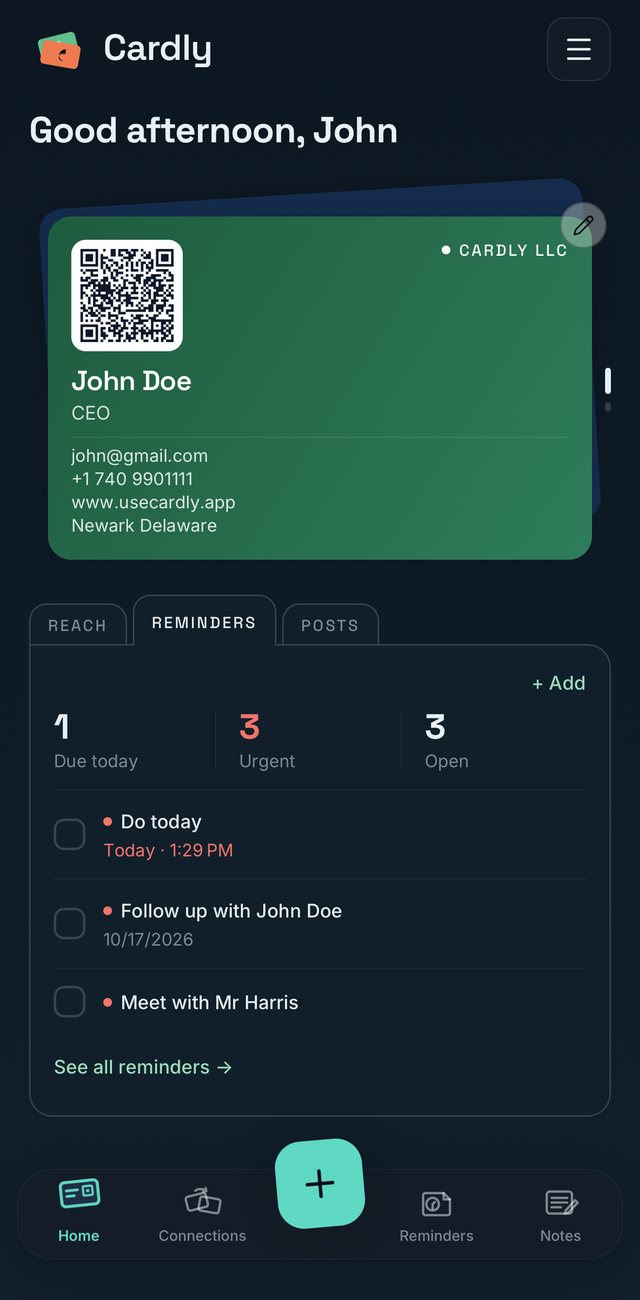
Everything after hello
Paper cards end up in a drawer. Cardly keeps every introduction alive — shared, saved, noted and followed up.
A QR on your screen, a link in a message, a tap of the phone, or a pass in Apple and Google Wallet. It opens in any browser — they don’t need Cardly to read it.
Point the camera at a printed card and Cardly reads the name, title, company, email and phone for you. Scan someone’s Cardly QR and their card is saved whole.
Follow up with John on Friday, at the coffee shop, #client, urgent. Every reminder is tied to the person, so nobody you meet goes cold.
Where you met, what you talked about, what to send. Folders and #tags keep a conference’s worth of contacts findable months later.
Pick colours, patterns and finishes, place your logo and choose a layout. As many cards as you wear hats — personal, company, side project.
Create your company, invite people by email, and everyone gets a card in your brand. One bill that follows your headcount.
After the handshake
A note on who they are and where you met. A reminder with a date, a place and a tag. Cardly brings it back when it matters — not when you happen to find the card again.
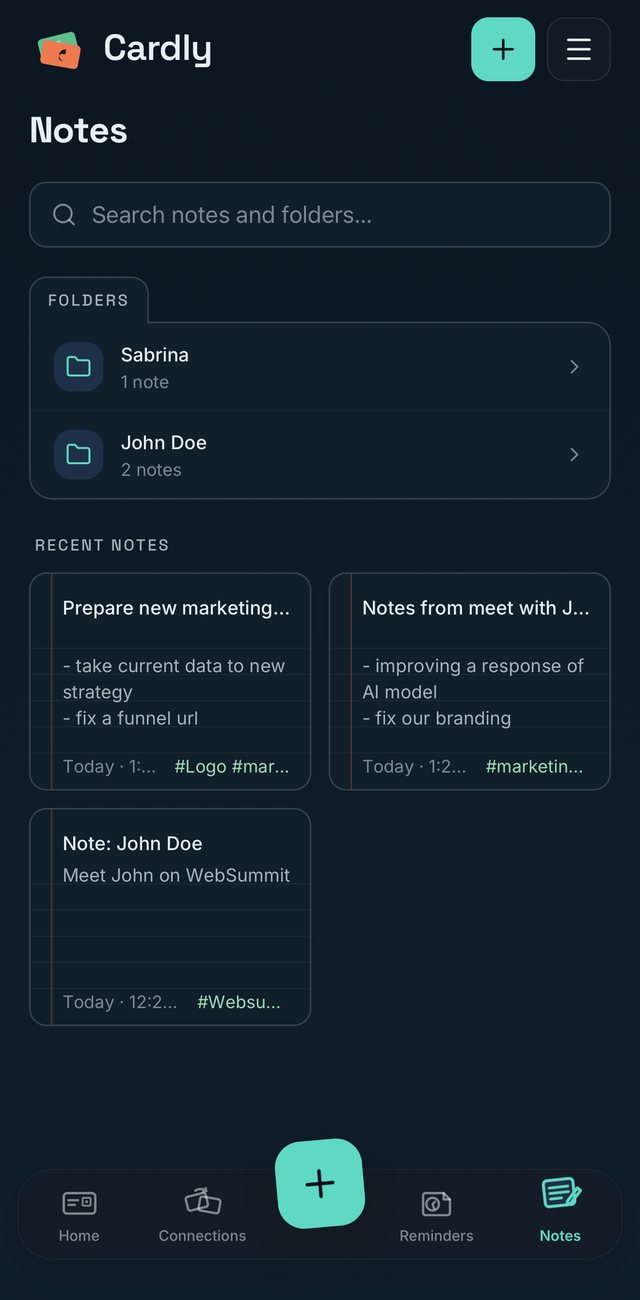
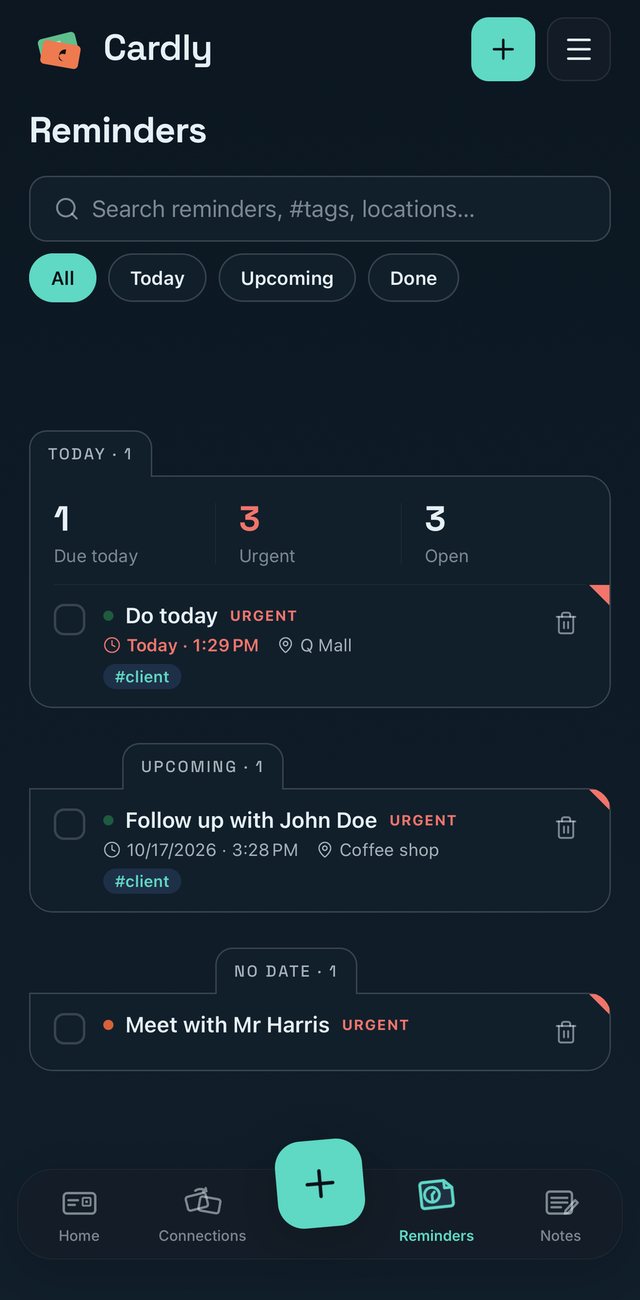
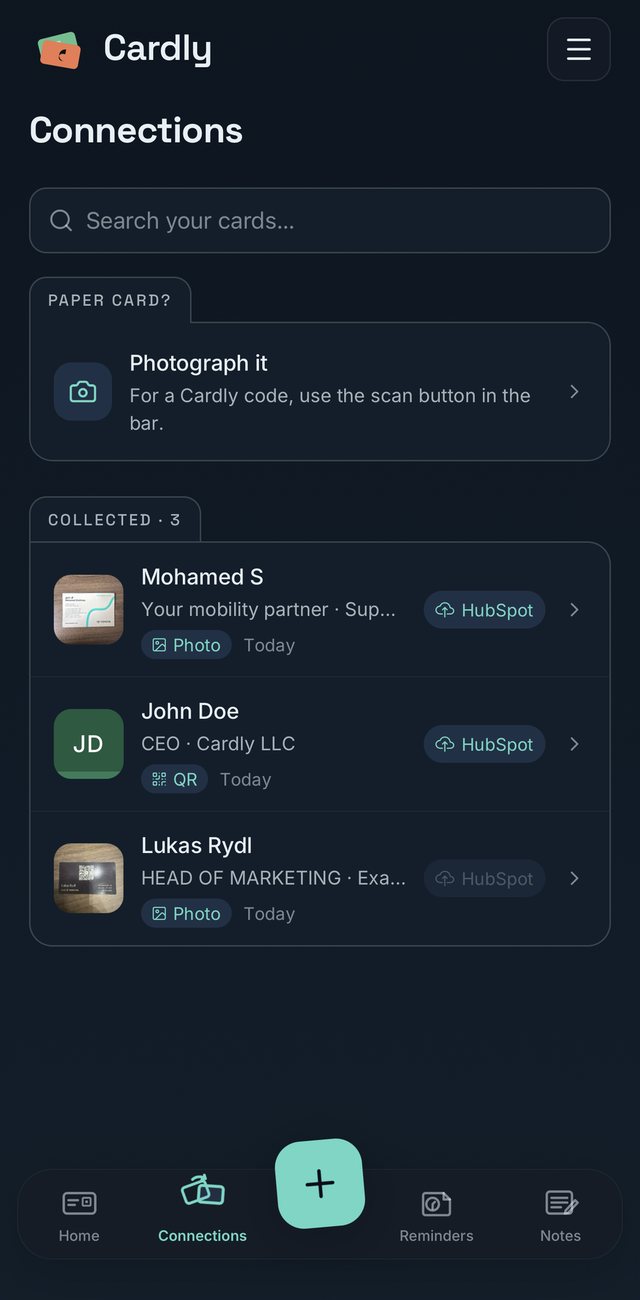
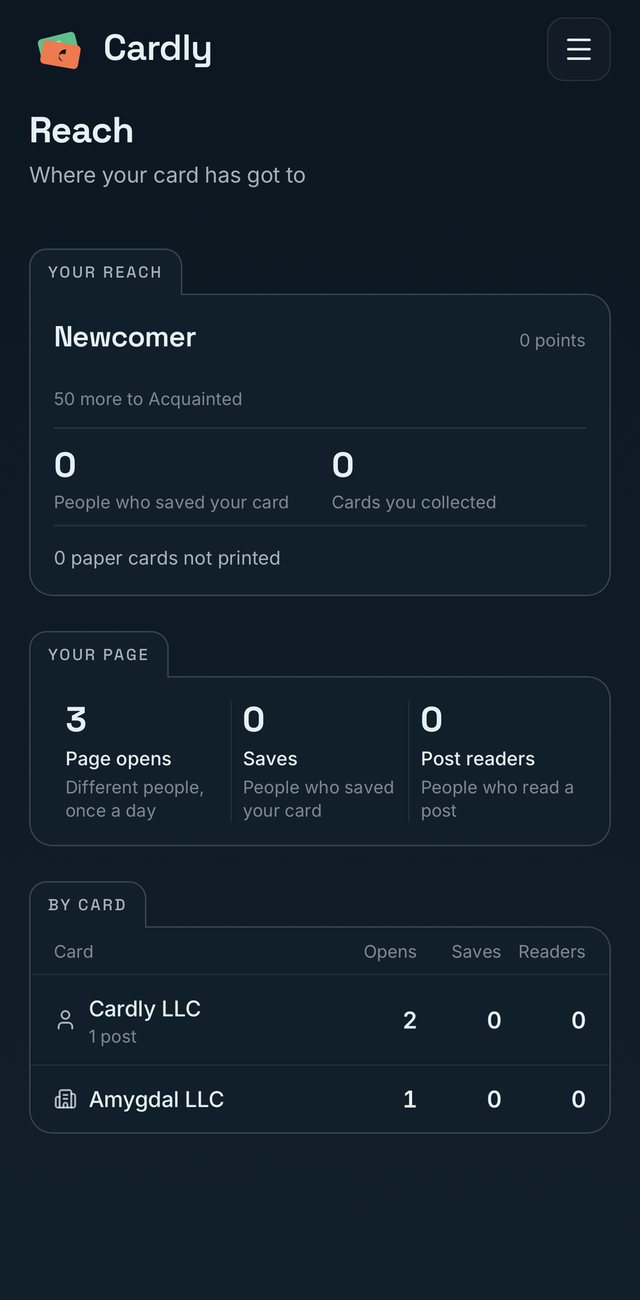
Everyone you meet, in one place
Scan a Cardly code or photograph a paper card — every contact lands in Connections, searchable and one tap from HubSpot. Reach shows how many people opened, saved and read each of your cards, and how many paper cards you didn’t print.
One link for everything
Every card opens a page that’s yours — for your bio, your email signature and your QR code. It shows who you are and what to do next.
How it works
Name, role, company, the ways to reach you. Choose a colour and a finish. About a minute, once.
QR, link, NFC or Wallet. It opens in whatever browser they have — no app, no account.
Scan their card back, add a note and a reminder. Change jobs and every card you shared updates itself.
Why we built it
Ten billion paper business cards are printed every year, and most are thrown away within a week. Every card Cardly replaces is one that is never printed, never reprinted when your title changes, and never thrown away. Good for business, better for the world.
Per 1,000 people, per year
Ten cards to a sheet, 8,333 sheets to a tree. Round numbers, shown so you can check them.
On the web too
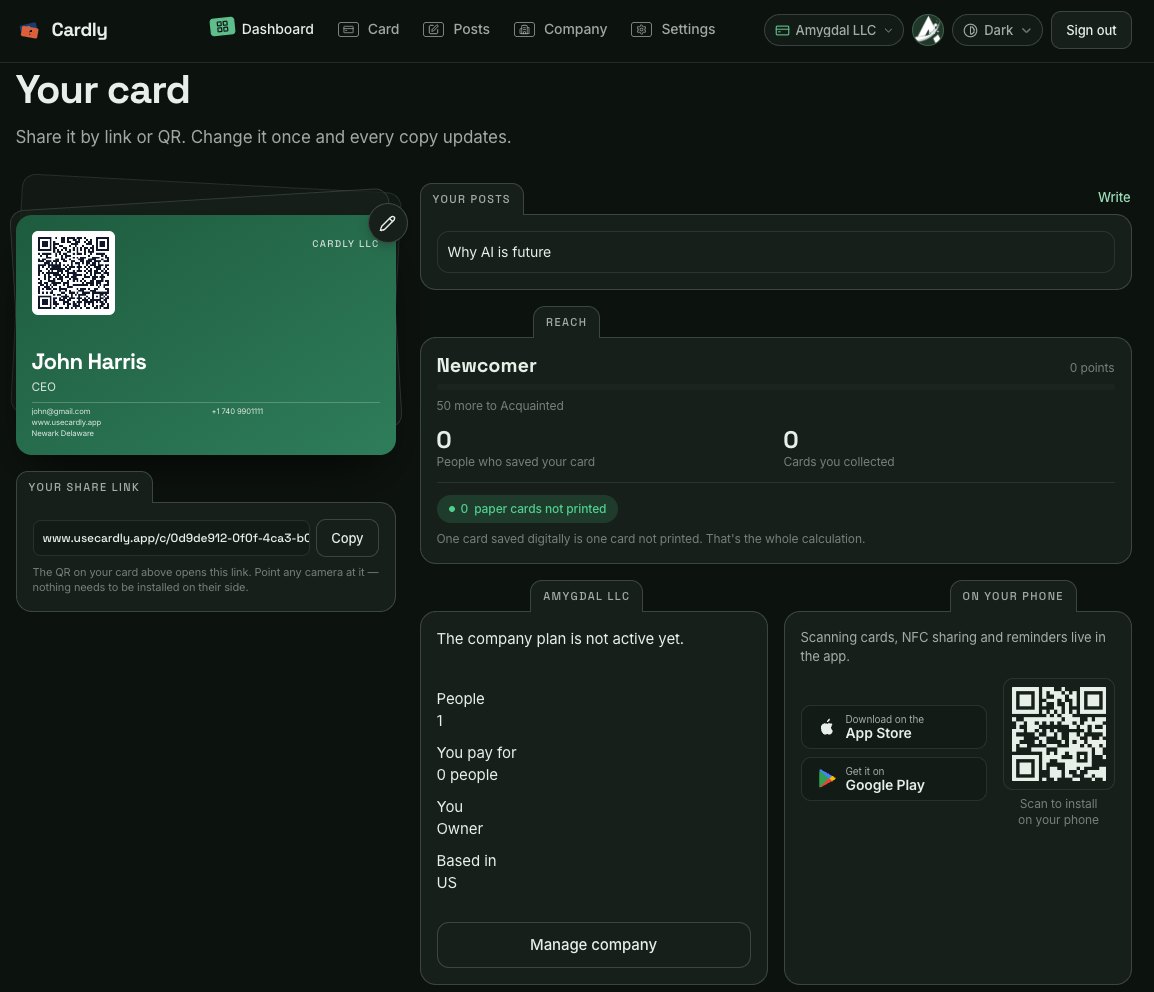
Edit your cards, write posts, run your company and see your reach from any browser. It is the same Cardly as on your phone — change something in one and the other already shows it.
Pricing
$0forever
$6.99a month
$59.99a year — about $5 a month
For companies
Create your company, set its look once, and invite people by email. They get a card in your brand the moment they accept. You pay per person you invite — your own place is free.
Questions
No. Your card opens in any phone’s browser from a QR code, a link or an NFC tap. They can save you to their contacts with one tap, or keep the whole card in Cardly if they have it.
Yes. Every card has its own public page with your photo, banner, a call-to-action button, your social links, posts and an image carousel — one link for your bio, your email signature and your QR code.
Yes. Photograph a printed card and Cardly reads the name, title, company, email and phone for you, then saves them as a contact you can add notes and reminders to.
Yes. Add your card to Apple Wallet or Google Wallet and show its QR code from the lock screen, even without opening the app.
Around ten billion paper business cards are printed every year and most are thrown away within a week. A Cardly card is never printed, never reprinted when your title changes, and never thrown away.
One card is free forever, with sharing, scanning, notes and reminders. Pro is $6.99 a month or $59.99 a year for unlimited cards, your logo, finishes, posts and the full public page.
Paperless since your first hello